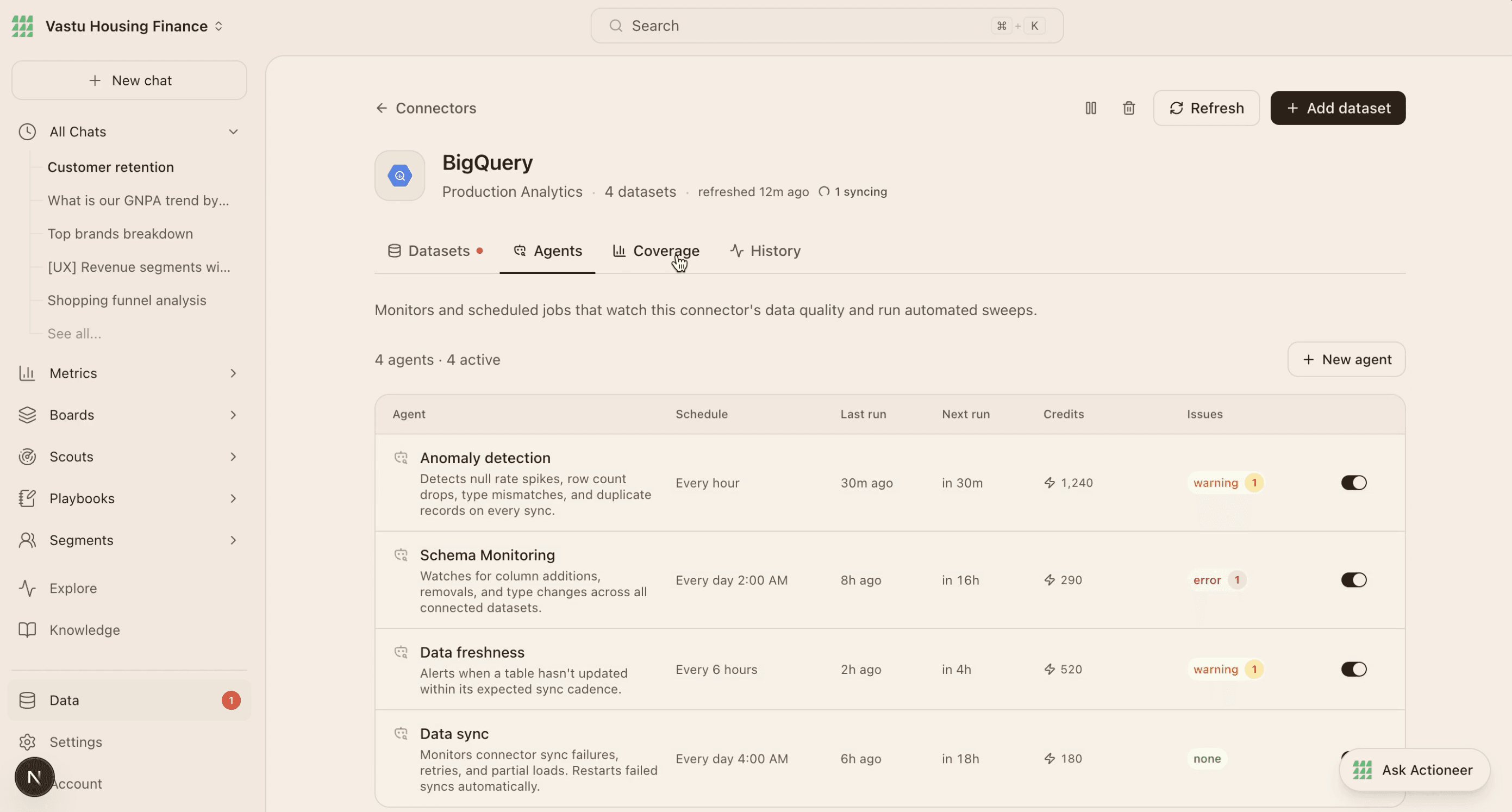
Actioneer onboarding

Actioneer onboarding

Actioneer onboarding

From onsite sales-led onboarding to in-product onboarding

From onsite sales-led onboarding to in-product onboarding

From onsite sales-led onboarding to in-product onboarding

TL; DR

Replaced engineer-led, onsite client onboarding with Actioneer’s first in-product onboarding and data connection experience. Designed two ways to keep moving: connect real data or explore with sample data while credentials and approvals are arranged.

Replaced engineer-led, onsite client onboarding with Actioneer’s first in-product onboarding and data connection experience. Designed two ways to keep moving: connect real data or explore with sample data while credentials and approvals are arranged.

Timeline:

Design & development Feb - Apr 2026

Team:

1 x Designer • PM • FE Engineer

Context

Product Scope


Actioneer helps growth, product, and marketing teams explore insights from their business data through a suite of agents.

But often times in an organisation, the insight seeker and data owner were often different people.

Task at hand


A successful flow could help more clients get started on their own, reach useful insights sooner, and reduce reliance on scheduled engineer-led setup.


The challenge was to create the product’s first self-serve onboarding for both the insight seeker and the technical owner: clarify why to connect, explain source and permission choices, and support teams whose credentials or approvals weren’t ready.

Users & Their needs

Users (Primary & Secondary)

Actioneer’s primary users are growth, product, and marketing leads looking for insights from their business data. Secondary users will include data engineers or CTOs often join to set up connections and manage access.

Users (Primary & Secondary)

Actioneer’s primary users are growth, product, and marketing leads looking for insights from their business data. Secondary users will include data engineers or CTOs often join to set up connections and manage access.

User needs

The said users need to see the value of connecting data, find the right source, and understand setup and permissions. Both sides need confidence in data access, clear sync status and confirmation, and a sample-data route when credentials or approvals aren’t ready.

User needs

The said users need to see the value of connecting data, find the right source, and understand setup and permissions. Both sides need confidence in data access, clear sync status and confirmation, and a sample-data route when credentials or approvals aren’t ready.

User Journey

The proposed solution brings Actioneer’s engineer-led onboarding into the product. Users create an account, complete their profile, and move through workspace approval before choosing a data source and connection method.

The proposed solution brings Actioneer’s engineer-led onboarding into the product. Users create an account, complete their profile, and move through workspace approval before choosing a data source and connection method.

They can connect real data, track its sync, and continue once setup is complete - or explore with sample data while credentials or approvals are arranged. The flow makes the next step clear for both the person seeking insights and the technical teammate responsible for connecting data.

They can connect real data, track its sync, and continue once setup is complete - or explore with sample data while credentials or approvals are arranged. The flow makes the next step clear for both the person seeking insights and the technical teammate responsible for connecting data.

Stage

Action

Thought

Emotion

Needs

Gaps

UX response

Entry

Arrives via waitlist or unique link.

What does this product do for me?

Curious, slightly cautious.

A clear value proposition before investing time and effort.

—

Use role-based landing copy for growth leaders and technical owners.

Auth + Profile

Signs up with Clerk and enters name, company, role, and growth stage.

Why all these fields? How long will this take?

Neutral, slightly impatient.

Fast sign-up and a reason for each field.

The overview and trust markers are missing; the value propositions feel dated.

Show progress and explain how role information personalizes the experience.

Pending Approval

Sees an approval screen and waits; may not check email.

Am I in the right place? Will I hear back?

Uncertain, passive.

Confirmation that the request is moving and an expected timeline.

The screen has unused space and dated value propositions.

Use the space to explain the product and show current capabilities.

Connector Screen

Browses connectors by category or searches.

Do I connect now? I don’t have credentials with me.

Interested, but unsure about committing.

Understand what connecting involves, with an option to skip or delegate.

There is no skip path and at least one connection is required, even when it does not fit the user’s situation.

Offer a skip option, a persistent path back to connecting, and simpler setup.

Connection Form

Opens the connector form, enters credentials, or hands setup to a teammate.

Is this safe? What access am I granting?

Cautious; wants reassurance.

Clear permissions, confirmation that access is read-only, and an easy handoff.

The form does not provide enough reassurance.

Explain access up front and use clear labels, helpful examples, and useful error messages.

Post-Connection

Connection succeeds; sees a status screen or is redirected.

Now what? Did it actually work?

Relieved, but directionless.

Confirmation that the connection worked and a clear next step.

There is no success state showing what data was found.

Show a success screen with a dataset preview, table count, and sample names.

Sample Data

Explores a sample dataset or their own connected data.

Is this what my real data would look like?

Exploratory, low stakes.

Context to judge relevance and an easy path to connect real data.

—

Label sample mode and keep a clear ‘Connect your data to see real results’ action available.

Inside Product

Uses analytics, segments, and agents with connected data.

This is good. What more can I do?

Engaged, growing confidence.

Trust signals, a way to verify AI output, and clear credit usage.

Users cannot tell how fresh data is or cross-check a value against its source.

Support building agents and chatting with data; show freshness and schema changes.

Entry

ACTION · Arrives via waitlist or unique link.

THOUGHT · What does this product do for me?

EMOTION · Curious, slightly cautious.

NEEDS · A clear value proposition before investing time and effort.

GAPS · —

UX RESPONSE · Use role-based landing copy for growth leaders and technical owners.

Auth + Profile

ACTION · Signs up with Clerk and enters name, company, role, and growth stage.

THOUGHT · Why all these fields? How long will this take?

EMOTION · Neutral, slightly impatient.

NEEDS · Fast sign-up and a reason for each field.

GAPS · The overview and trust markers are missing; the value propositions feel dated.

UX RESPONSE · Show progress and explain how role information personalizes the experience.

Pending Approval

ACTION · Sees an approval screen and waits; may not check email.

THOUGHT · Am I in the right place? Will I hear back?

EMOTION · Uncertain, passive.

NEEDS · Confirmation that the request is moving and an expected timeline.

GAPS · The screen has unused space and dated value propositions.

UX RESPONSE · Use the space to explain the product and show current capabilities.

Connector Screen

ACTION · Browses connectors by category or searches.

THOUGHT · Do I connect now? I don’t have credentials with me.

EMOTION · Interested, but unsure about committing.

NEEDS · Understand what connecting involves, with an option to skip or delegate.

GAPS · There is no skip path and at least one connection is required, even when it does not fit the user’s situation.

UX RESPONSE · Offer a skip option, a persistent path back to connecting, and simpler setup.

Connection Form

ACTION · Opens the connector form, enters credentials, or hands setup to a teammate.

THOUGHT · Is this safe? What access am I granting?

EMOTION · Cautious; wants reassurance.

NEEDS · Clear permissions, confirmation that access is read-only, and an easy handoff.

GAPS · The form does not provide enough reassurance.

UX RESPONSE · Explain access up front and use clear labels, helpful examples, and useful error messages.

Post-Connection

ACTION · Connection succeeds; sees a status screen or is redirected.

THOUGHT · Now what? Did it actually work?

EMOTION · Relieved, but directionless.

NEEDS · Confirmation that the connection worked and a clear next step.

GAPS · There is no success state showing what data was found.

UX RESPONSE · Show a success screen with a dataset preview, table count, and sample names.

Sample Data

ACTION · Explores a sample dataset or their own connected data.

THOUGHT · Is this what my real data would look like?

EMOTION · Exploratory, low stakes.

NEEDS · Context to judge relevance and an easy path to connect real data.

GAPS · —

UX RESPONSE · Label sample mode and keep a clear ‘Connect your data to see real results’ action available.

Inside Product

ACTION · Uses analytics, segments, and agents with connected data.

THOUGHT · This is good. What more can I do?

EMOTION · Engaged, growing confidence.

NEEDS · Trust signals, a way to verify AI output, and clear credit usage.

GAPS · Users cannot tell how fresh data is or cross-check a value against its source.

UX RESPONSE · Support building agents and chatting with data; show freshness and schema changes.

From auth to welcome

The flow moves from account creation and workspace approval to source setup. Users can connect real data and follow its sync, or explore with a sample while access is arranged.

Make source discovery feel straightforward.

Search and categories help users find a source; the choice point explains how it will connect.

Find the right source

Search or browse categories to find the right source.

Choose a connection method

Compare a direct connection with Actioneer Warehouse.

Make access feel clear

Clarify read-only access and the setup details a teammate needs.

IMAGE PLACEHOLDER / Add source selection or connection status

Onboarding Screens
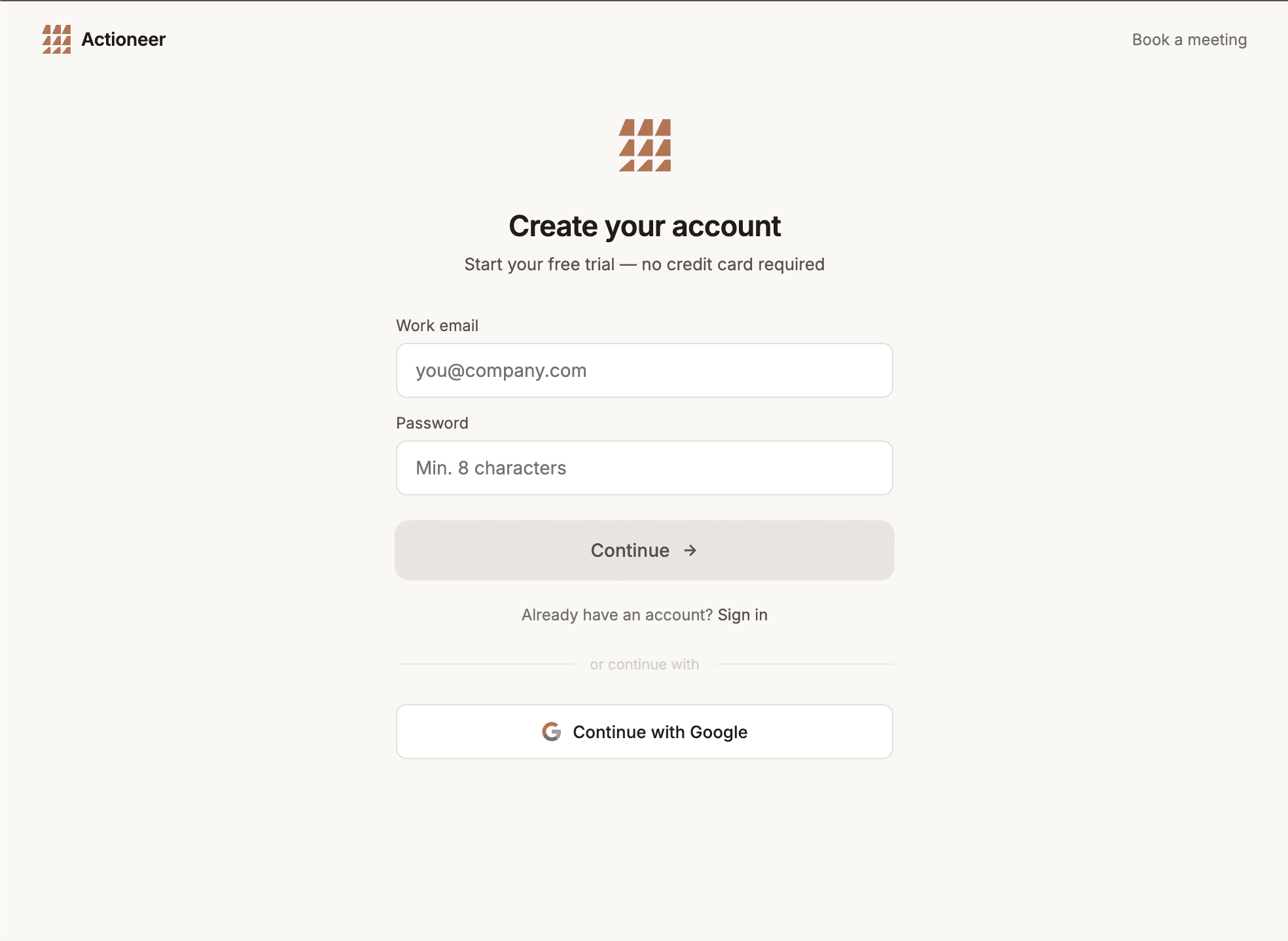
Data connection Screens

The hard part was the handoff.

A connector screen alone couldn’t solve missing credentials. The experience had to explain access, support the handoff, and leave a useful next step open.